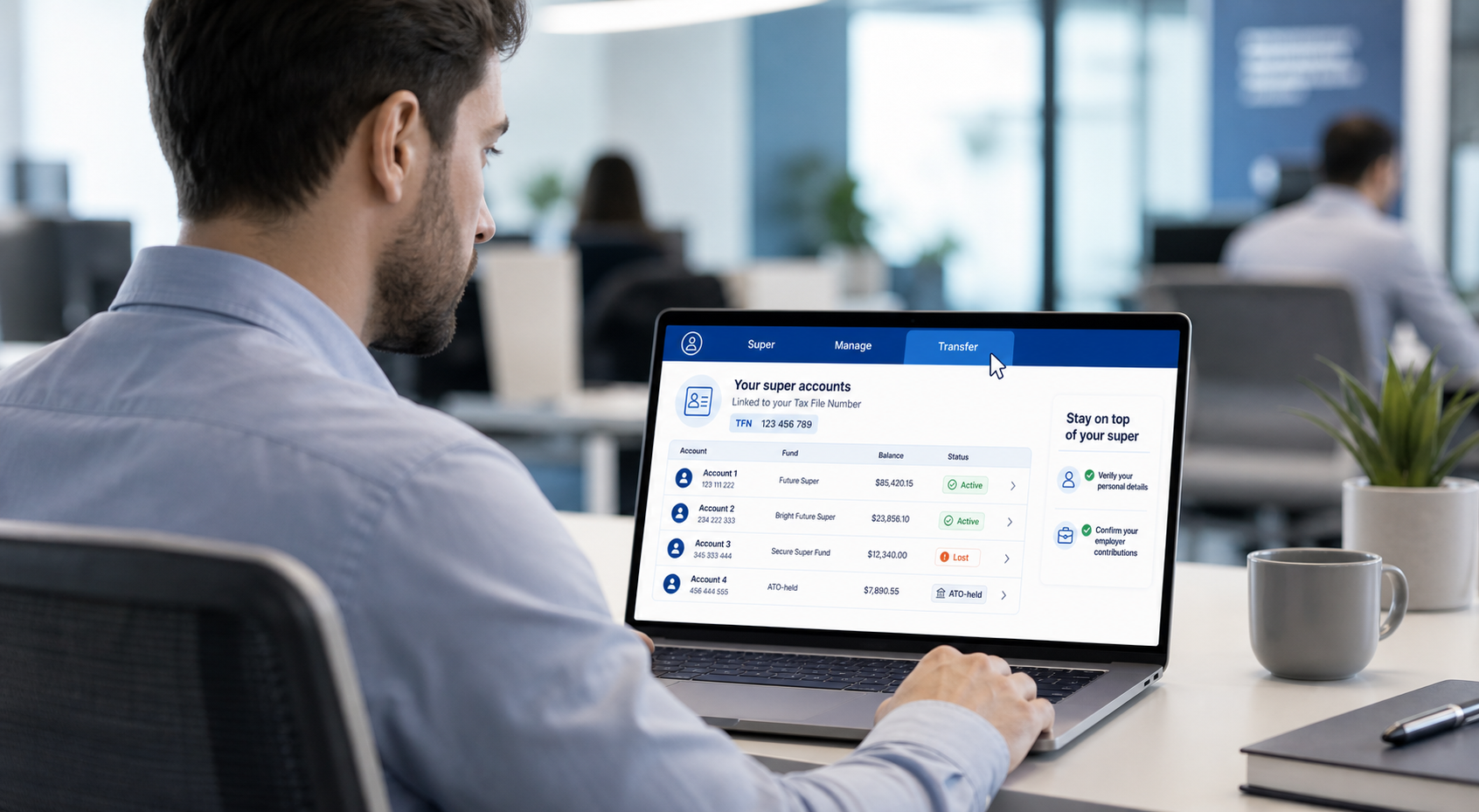
How to manage super online
The quickest way is online, and it usually takes a few minutes.
- Sign in to myGov and select the Australian Taxation Office service. If you haven't linked the ATO yet, you'll need your tax file number to do so. Contact us if you need assistance to find this.
- From the top menu, go to Super, then Manage, then Transfer super.
- Review all the accounts linked to your tax file number, including any lost or ATO-held super.
- Choose the fund you want to keep, then pick the account you're transferring across.
- Check your name, date of birth, and address match across both funds, then submit.
Transfers are generally processed within about 3 business days. One thing to know: transfers done through myGov move your whole balance and close the old account. If you only want to move part of a balance, you'll need to arrange that directly with your fund.
Don't forget your employer contributions
Consolidating doesn't tell your employer where to send future contributions. If you close the account your employer pays into, those payments can bounce.
To keep things flowing, give your employer a choice of fund form with your chosen fund's details, and don't close the old account until you've confirmed contributions are landing in the new one. If a recent payment is still in transit, it's worth waiting for it to clear first.
